 Blue Dolphin
 Chapter 13 of 16
Language, units & night mode
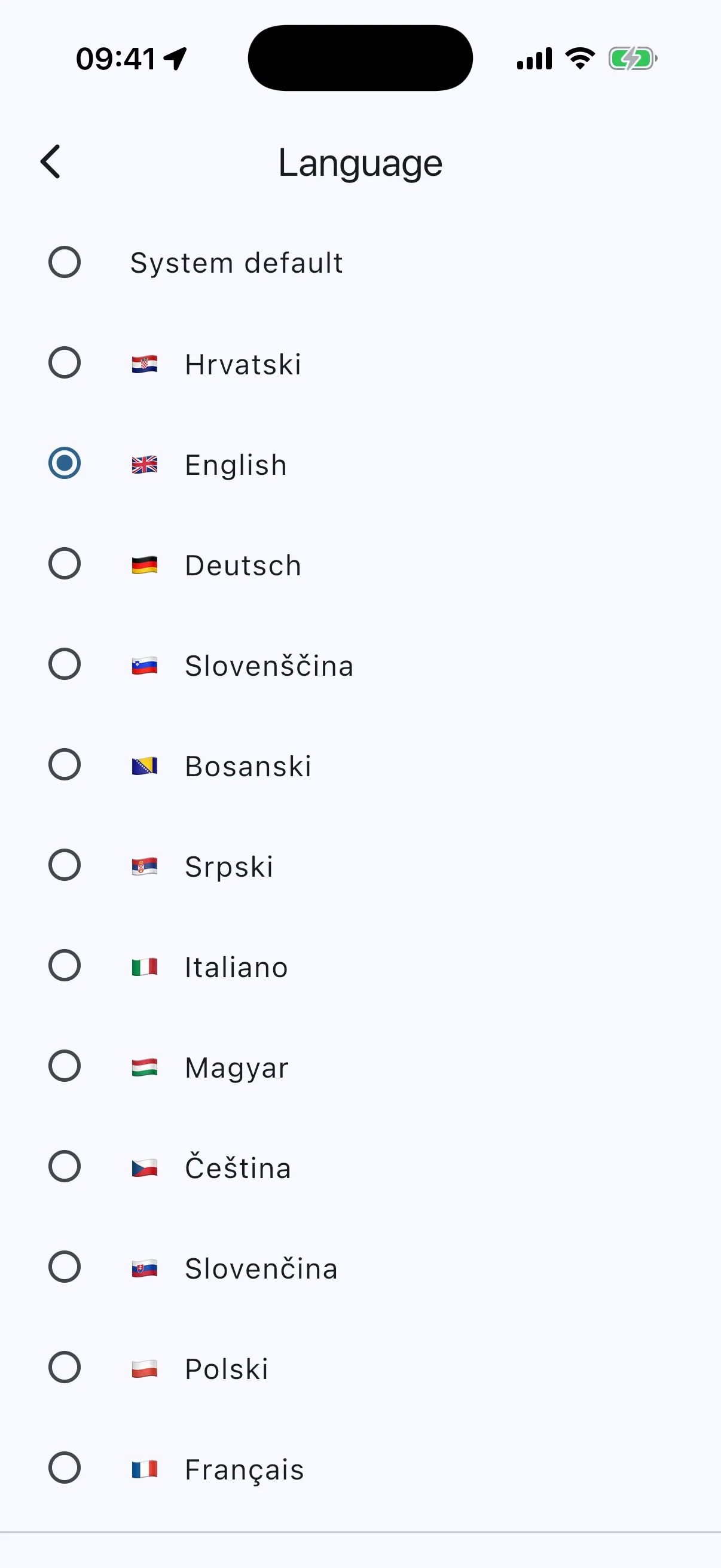
- Language: menu → Language. Twelve to choose from (Croatian, English, German, Italian, French, Polish, Czech, Slovak, Slovenian, Hungarian, Bosnian, Serbian), or “System default” to follow the phone. If your phone speaks a language the app does not have yet, you get English. Spotted a clumsy translation? The box at the bottom of the Language page opens an email to us with your text already in it. The row is deliberately near the top of the menu, so a charter guest can switch in two taps. The word “Language” always stays visible in English on that row, so nobody gets stranded in a language they cannot read.
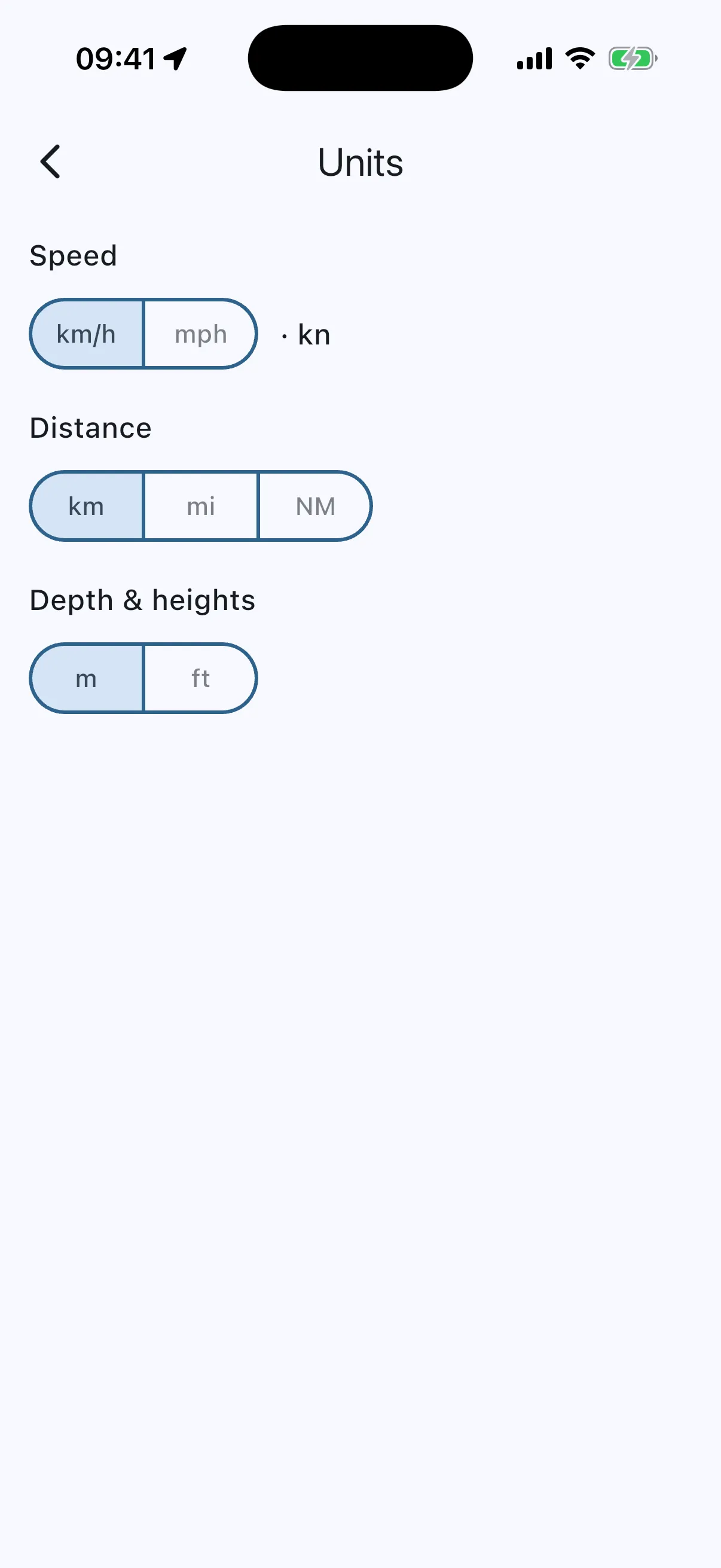
- Units: menu → Units. Metric (km/h · m · km) or imperial (mph · ft · mi). Boat speed is always shown in knots as well. That one is not a setting.
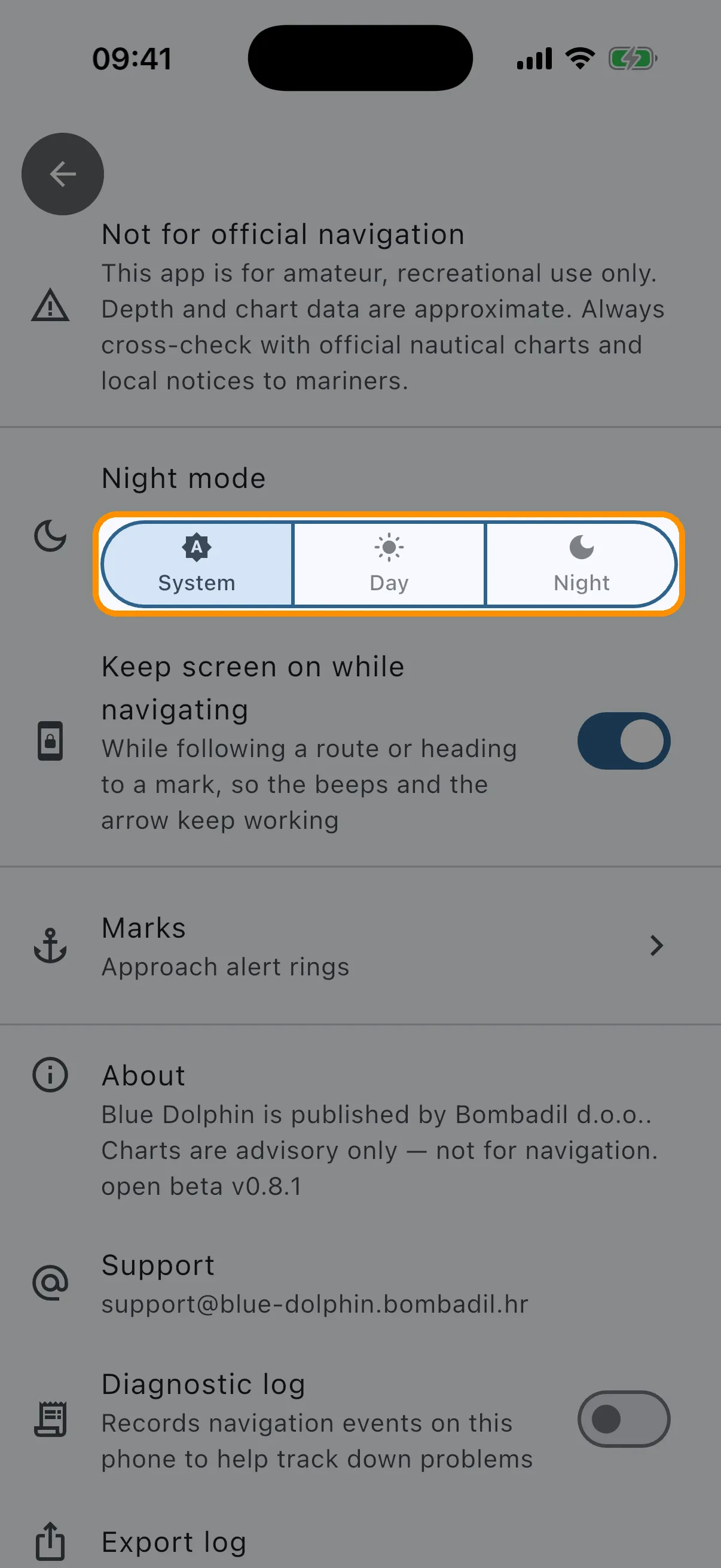
- Keep screen on: Settings → “Keep screen on while navigating” (on by default) stops the phone from locking while you follow a route or head to a mark, so the beeps and the arrow keep working. Switch it off to save battery.
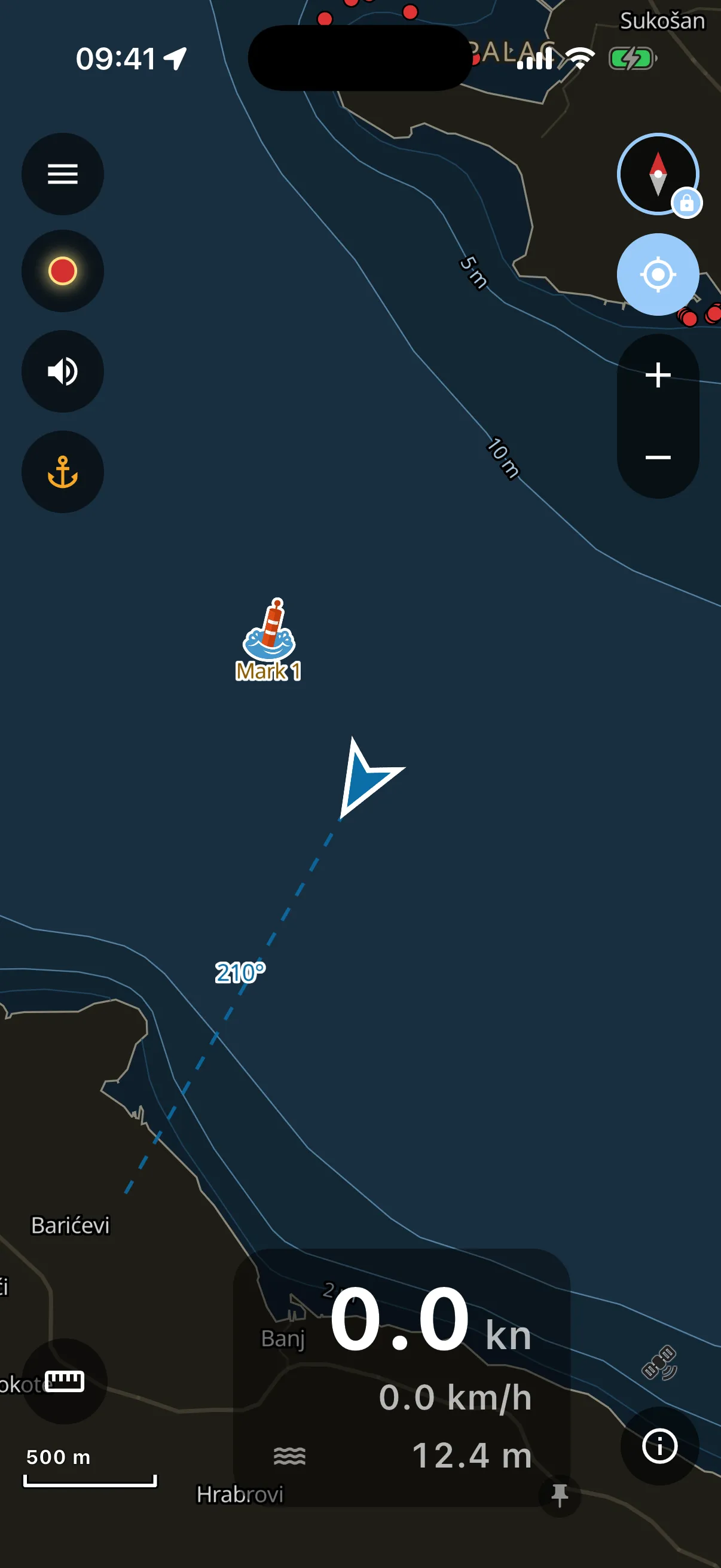
- Night mode: Settings → Night mode. “Day”, “Night”, or “System” to follow the phone’s appearance. Night dims the whole app AND the chart itself into a dark palette, so it does not wreck your night vision in the cockpit.