 Blue Dolphin
 Chapter 10 of 16
Trips: record and replay
Record
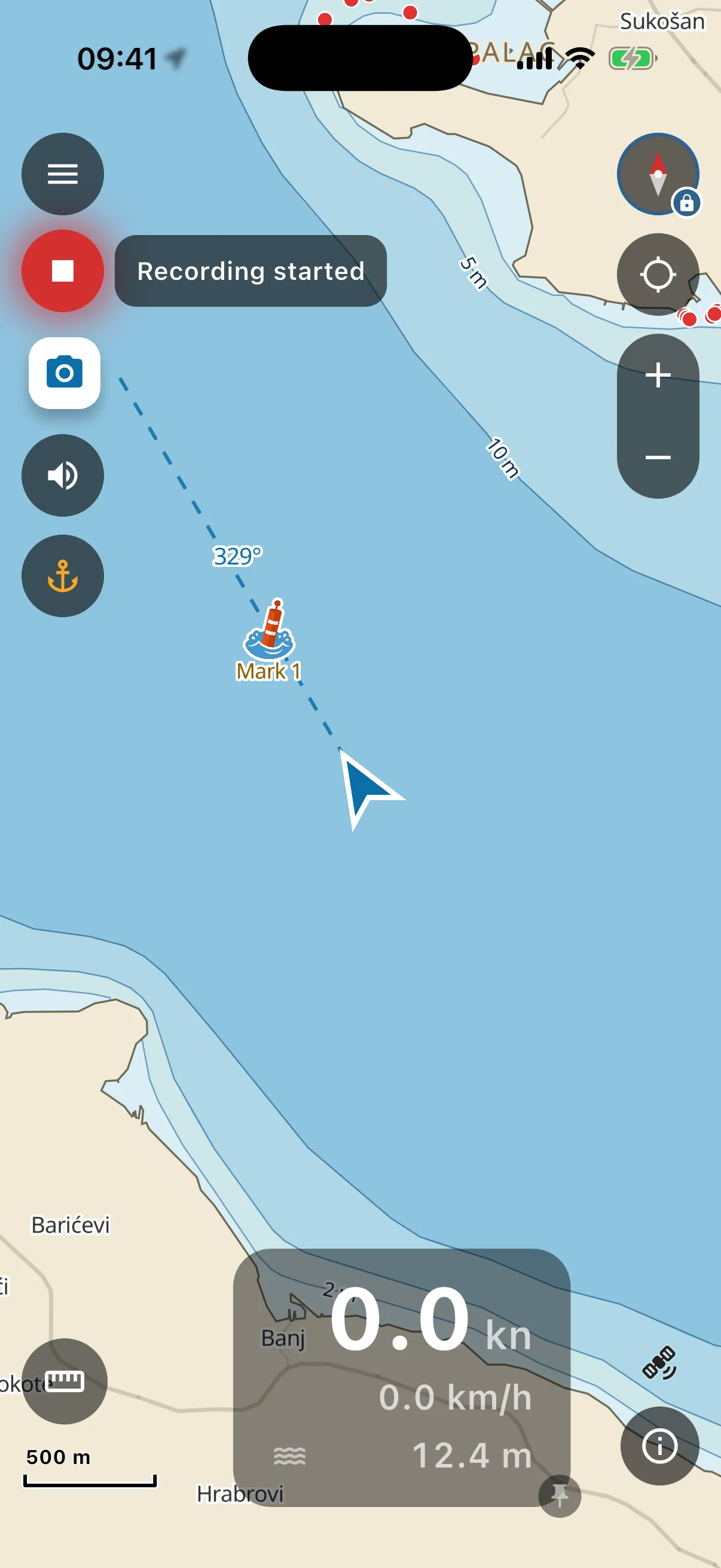
- Tap the round record button (top-left, under the menu). A “Recording started” pill confirms, then the button pulses red the whole time, so you can always see a recording is live.
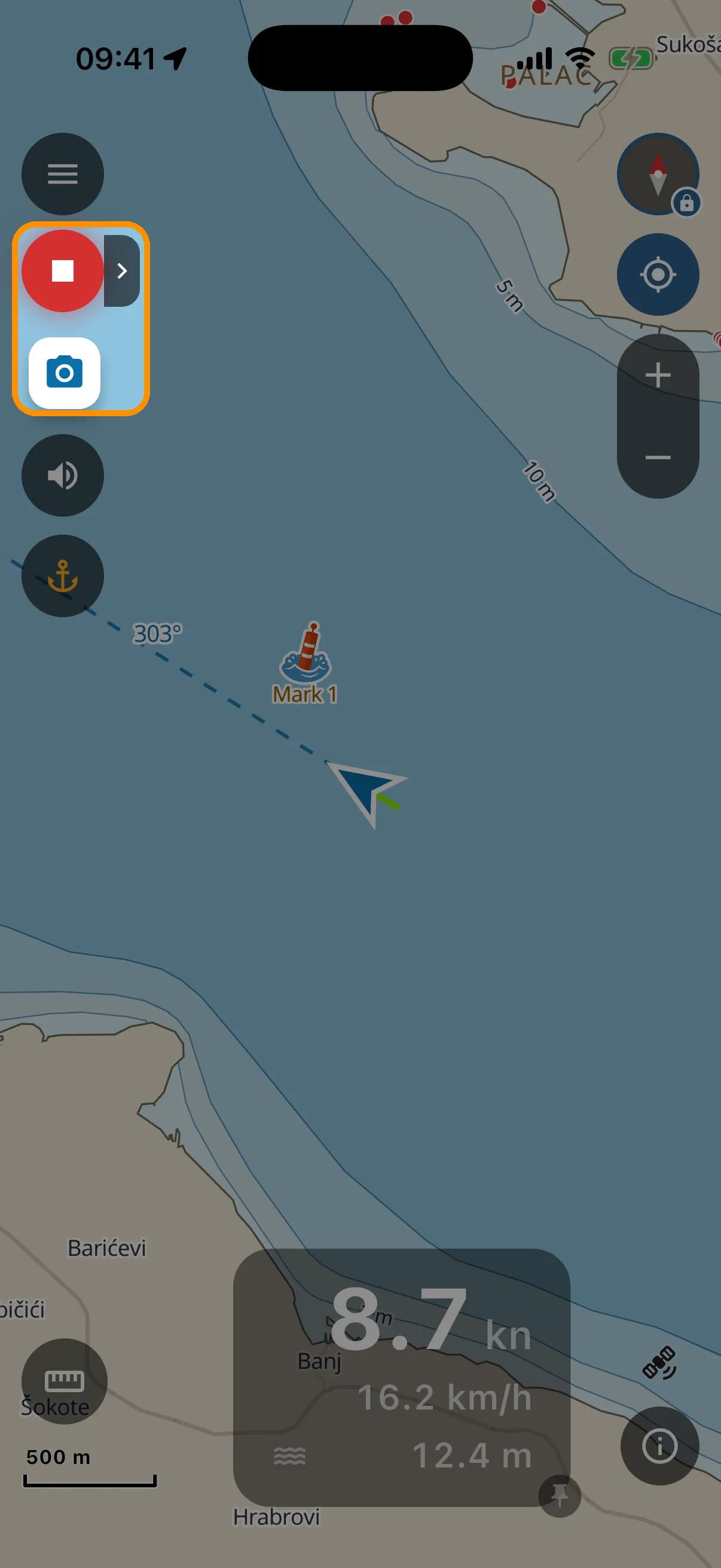
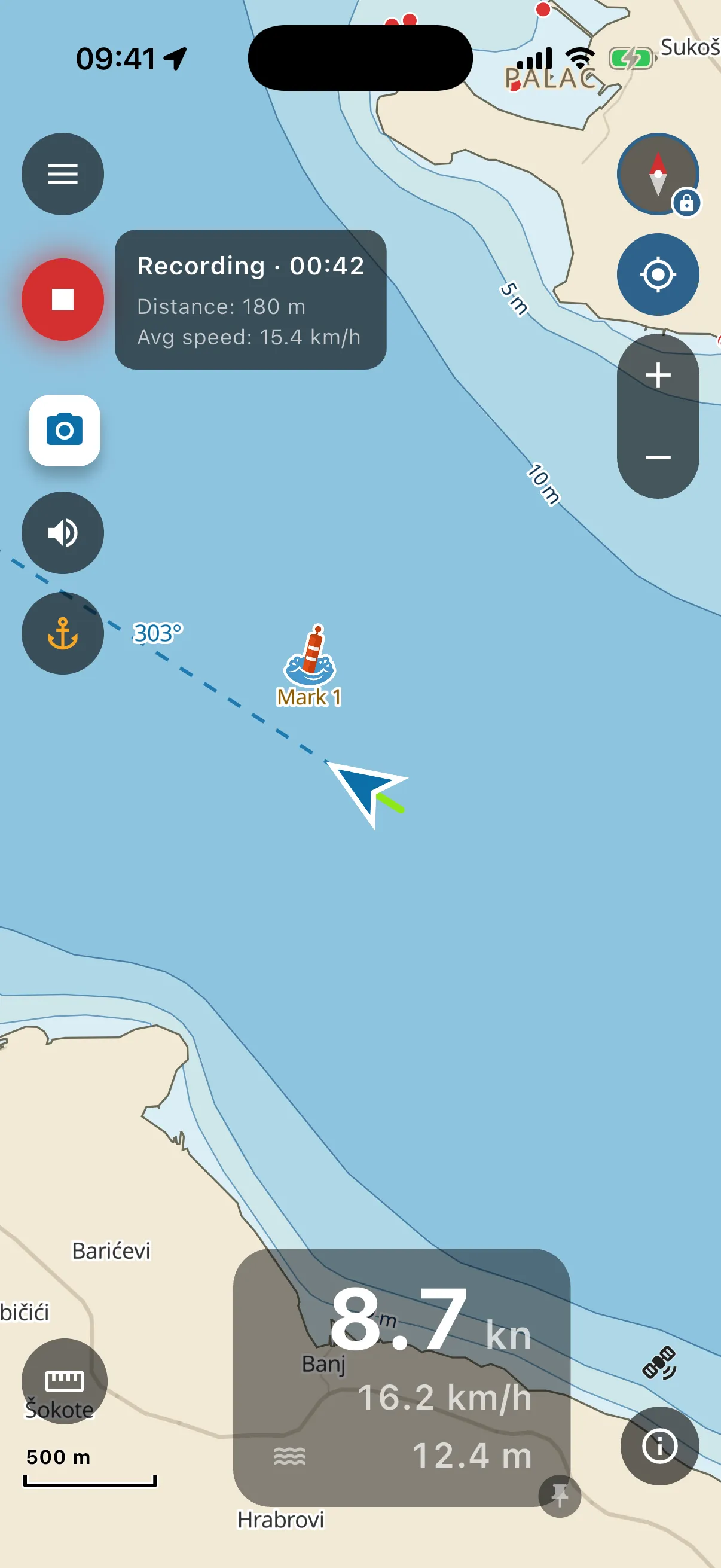
- The small chevron next to it opens a status card: elapsed time, distance covered, average speed, ticking every second.
- While recording, a camera button appears under the record button. Photos you take with it are attached to the trip.
- Recording survives switching apps, the screen going dark, even the OS killing the app. If the app was gone only a short while, the next launch picks the same trip up and says “Recording resumed”. If it was gone longer (swiped away at the dock last night, for example), it asks first: “Resume” continues the same trip, “Save and stop” keeps everything recorded and ends the trip where the track ended. On the water your track keeps drawing behind the boat, coloured by speed (green = slow, red = fast).
- Tap the record button again to stop.
Replay
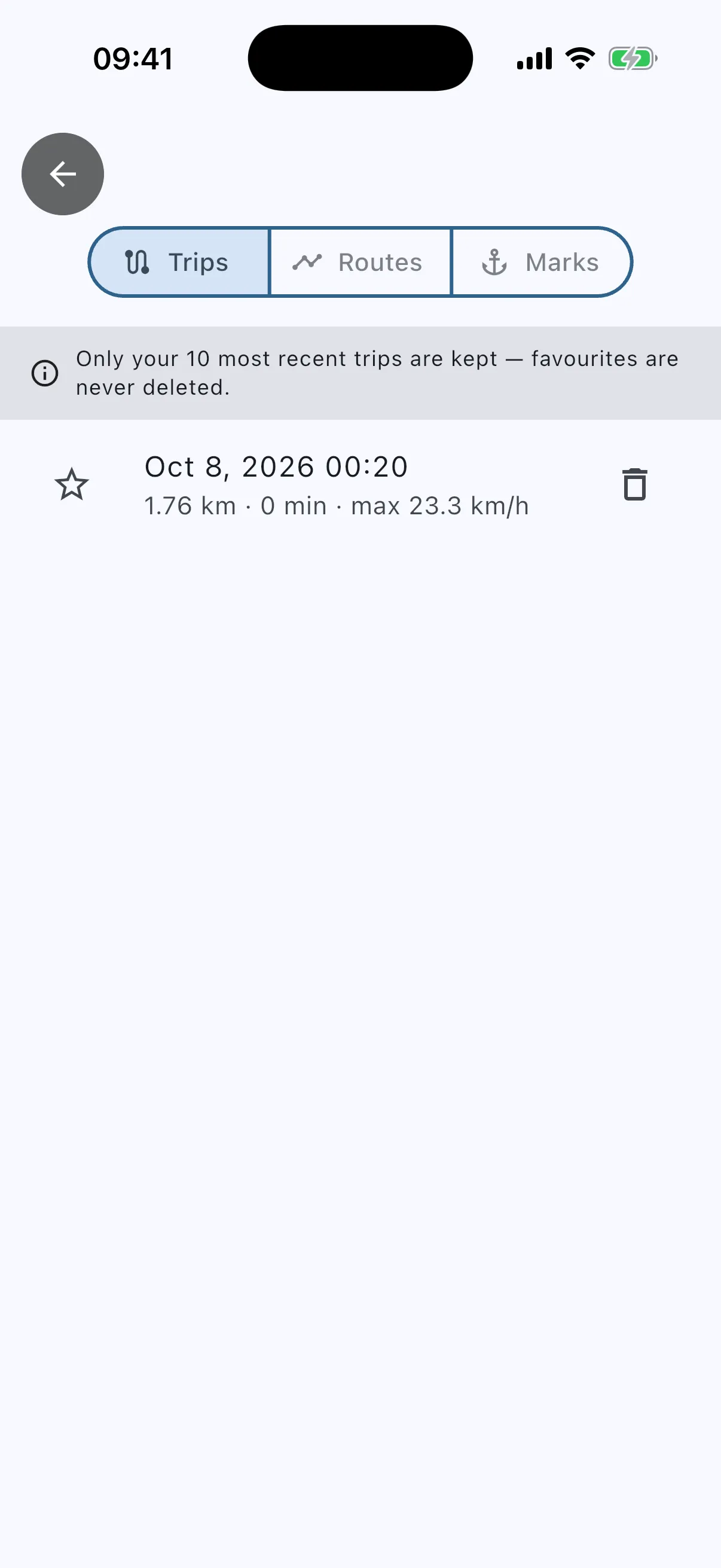
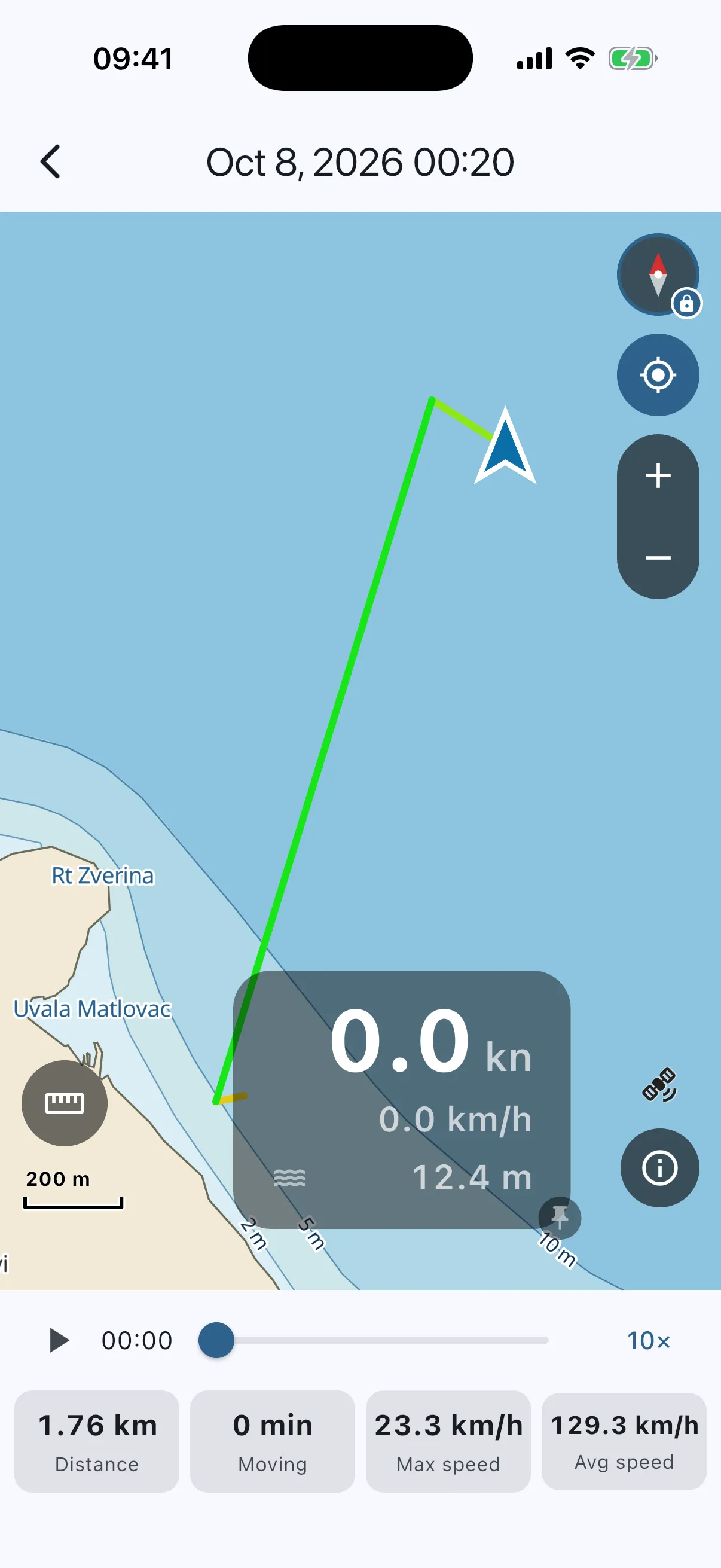
Menu → Trips. Every trip shows its distance, duration and top speed. Tap one: the full track draws on the chart, and the numbers sit under the playback bar (distance, moving time, max speed, average speed). Press play and a playhead sails the track for you, up to 10×. Favourite the trips you care about (the star). The app keeps your 10 most recent trips, but favourites are never deleted.