 Blue Dolphin
 Chapter 8 of 16
Your boat
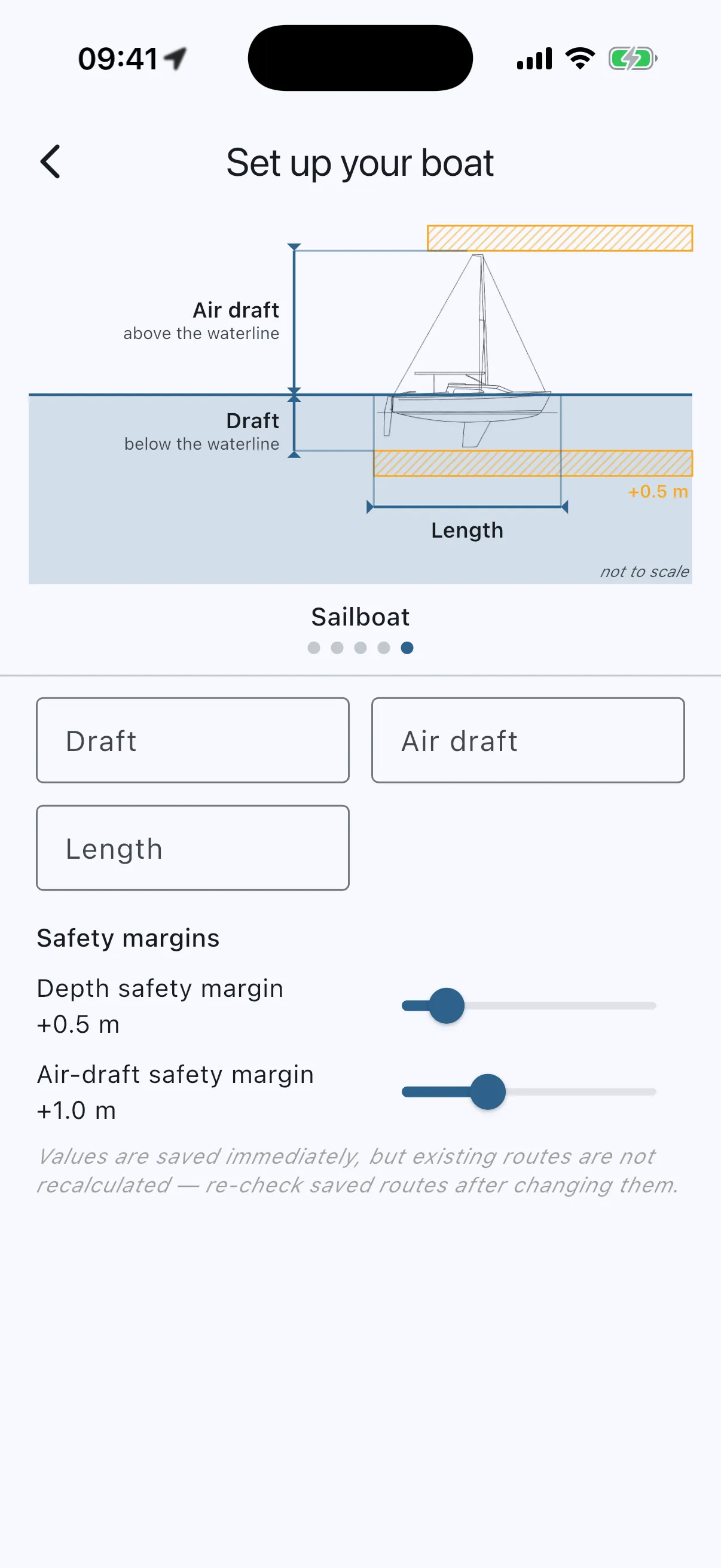
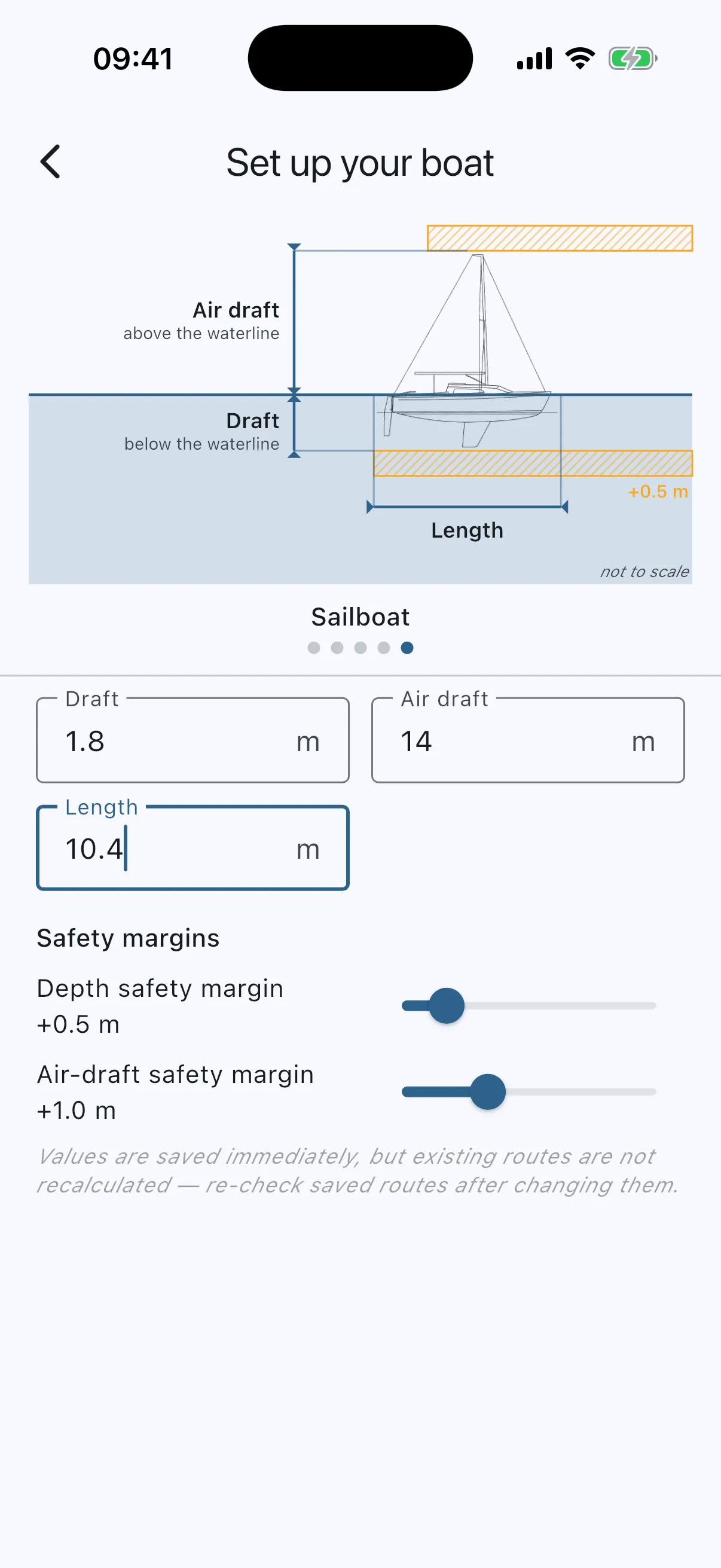
Menu → Your boat. Three numbers and two sliders:
- Draft: how deep your boat sits. The shallow-water alarm and the route checker use this.
- Air draft: mast or antenna height above the waterline. Bridge clearance checks use this.
- Length: for your own reference.
- Depth safety margin: extra water you want under the keel (default 0.5 m). Drawn as the amber hatched band under the keel in the diagram.
- Air-draft safety margin: extra clearance above the mast (default 1.0 m). The amber band above the mast.
The diagram shows what each number means, so no manual is needed. Swipe the silhouette to pick your boat type (dinghy, RIB, speedboat, cabin cruiser, sailboat). The type is cosmetic, warnings use only the numbers. Values are in metres or feet, following your Units choice, and save as you type.
The app asks for the boat once on first launch (“Later” skips it), and again the first time you plan or follow a route without one: set it up, or route on cautious defaults (1.0 m draft, no bridge checks). Until you set a draft, the menu shows a red ”!” next to Your boat.