 Blue Dolphin
 Chapter 2 of 16
Where is my boat?
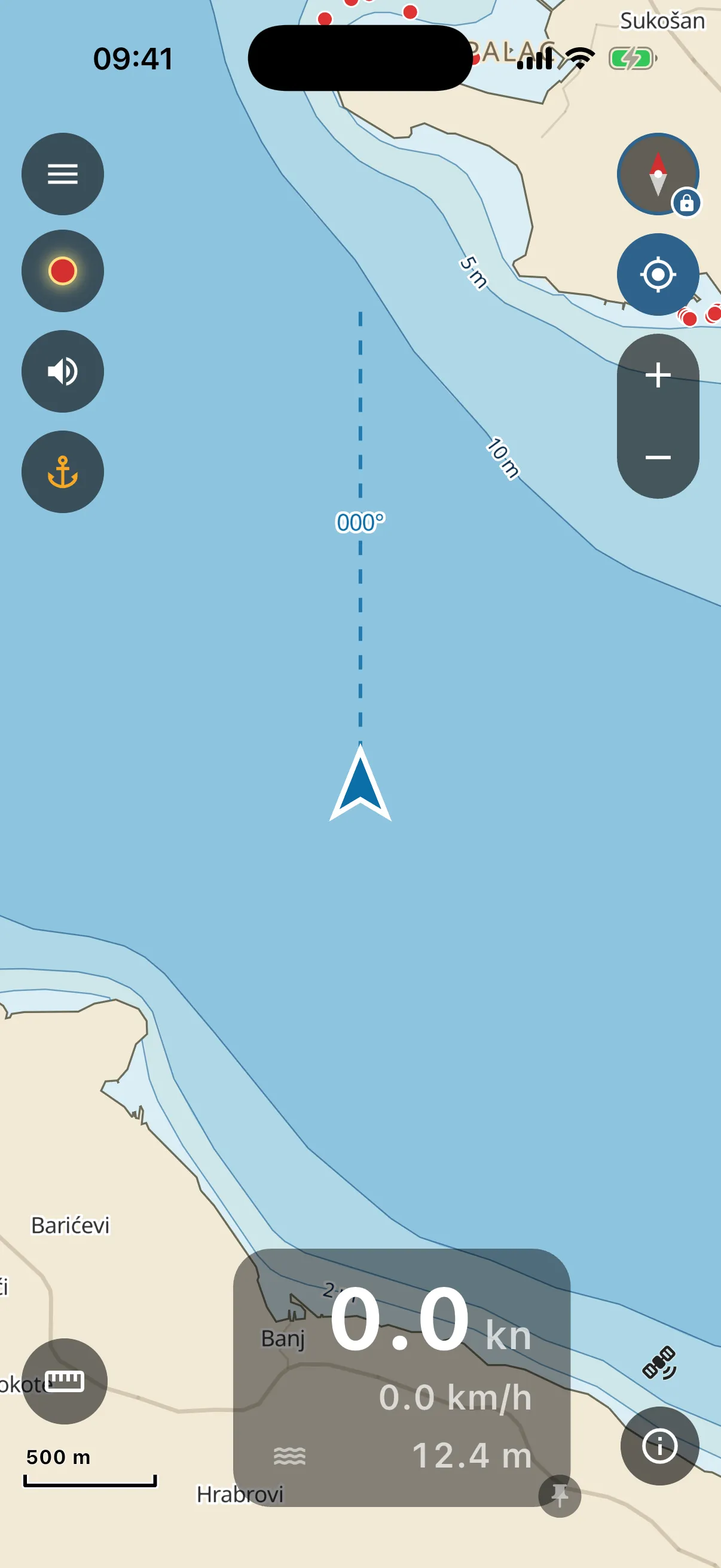
The first thing to find on the chart is you. The blue arrow is your boat. The chart opens centred on it, and as long as you do not touch anything it stays centred on it. You sail, the chart follows.
- The arrow points where your bow points. Sitting still, it points north until you start moving.
- The dashed line ahead of the arrow is your course line. It shows where you will be if you hold this course, drawn one nautical mile ahead, with your compass course written on it. No line while you are not moving, there is nothing to project.
- No arrow, just a grey “waiting for GPS” panel? The phone has no fix yet. Outside, away from the cabin roof, it takes a few seconds.
Lost the boat?
That happens the moment you drag the chart somewhere else, to peek behind an island for example. The chart stops following you so it does not fight your fingers.
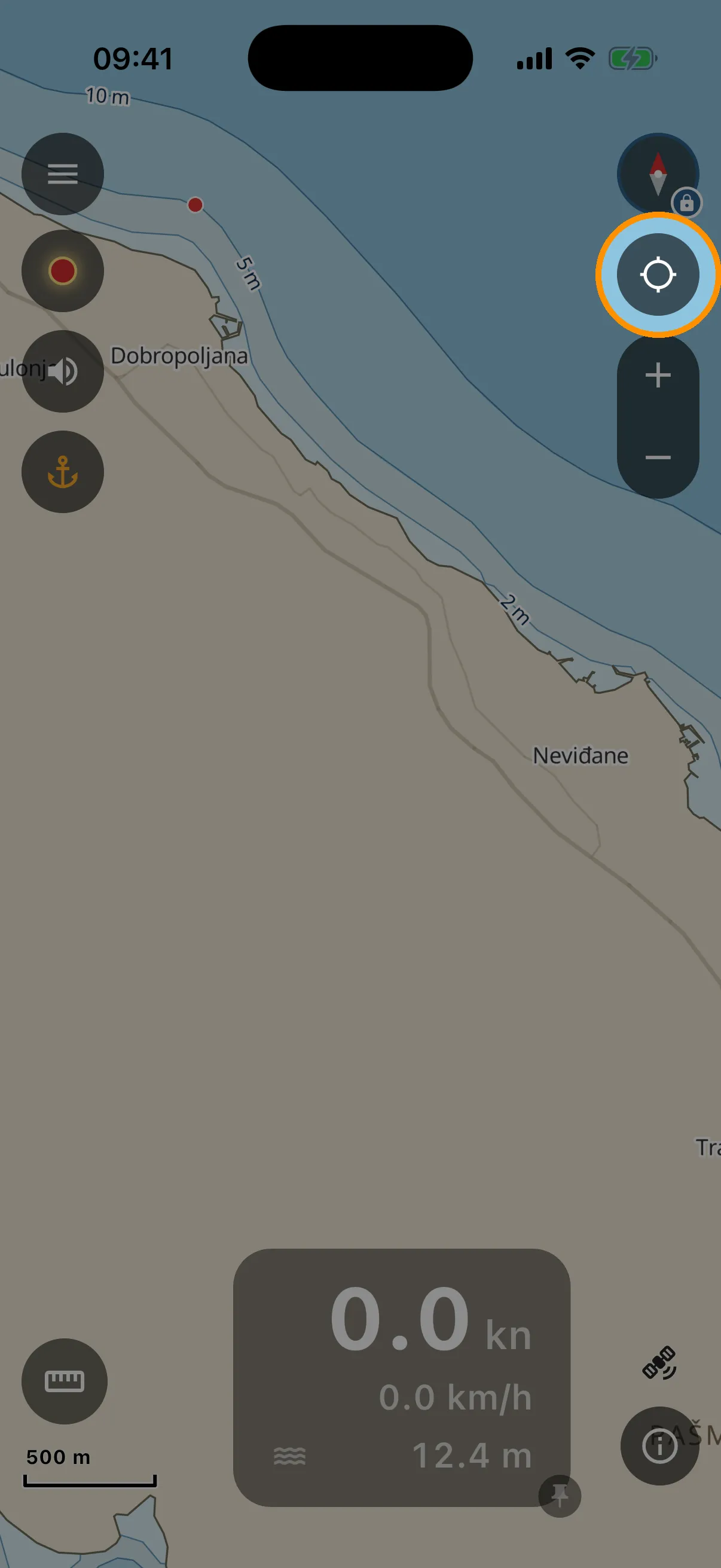
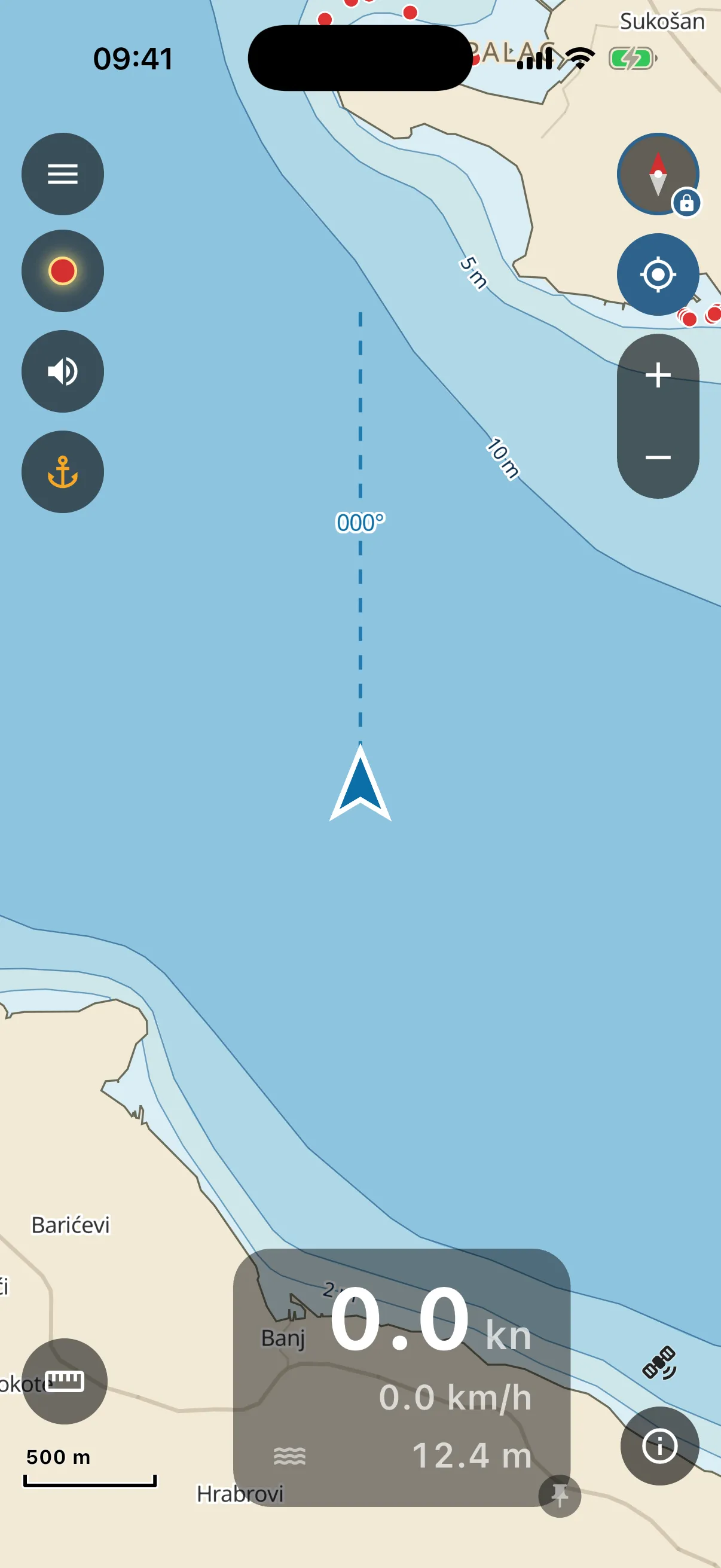
One tap on the locate button (the crosshair, right edge) snaps the chart back to your boat and it follows you again.
You do not even have to do that much. If you are under way, the chart comes back to your boat by itself, 10 seconds after your last touch. While you sit at anchor and browse, it stays where you put it.
Tip: your boat arrow itself is tappable. It opens the same ring menu as a long-press. To save a mark exactly where you are, the anchor button on the left does it in one tap (see Marks).